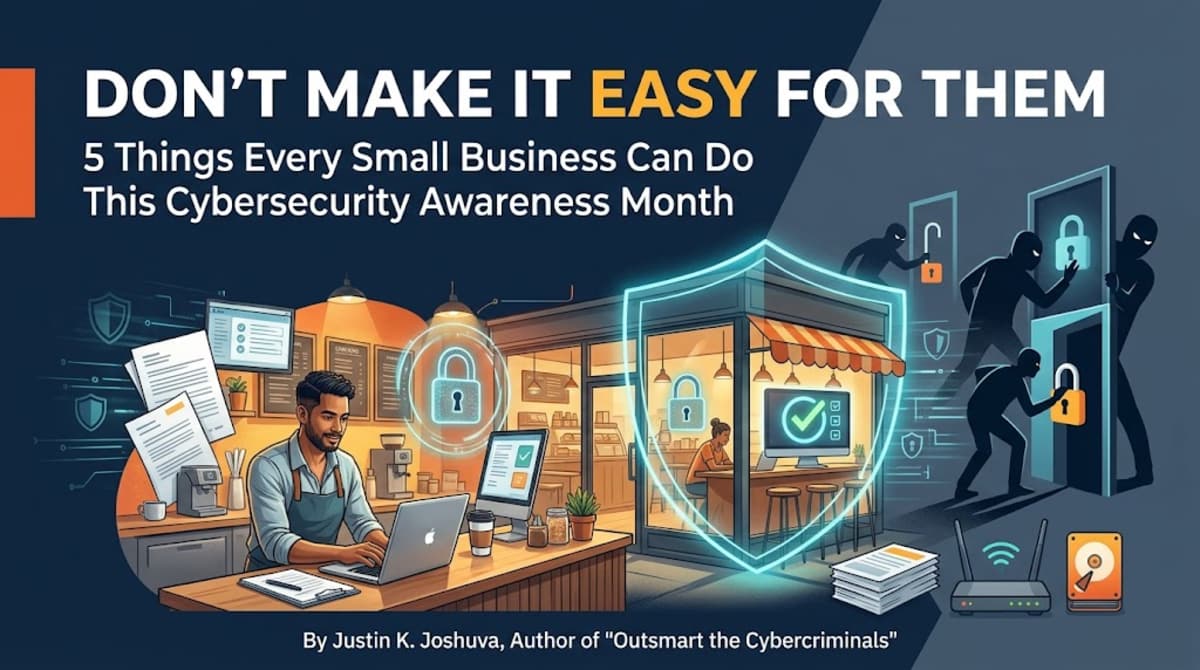
Every October, Cybersecurity Awareness Month comes around, and every October a lot of small business owners scroll past it. It feels like a big-company problem. Something for banks, hospitals, and corporations with IT departments.
That's exactly what cybercriminals are counting on.
This year's theme from the National Cybersecurity Alliance is "Don't Make It Easy for Them." I love it, because it gets at the heart of why I wrote Outsmart the Cybercriminals: The Small Business Owner's Guide to Bulletproof Cybersecurity on a Budget. Most attackers aren't masterminds. They're opportunists. They send thousands of fake emails, try millions of stolen passwords, and wait for someone to make it easy.
Small businesses often do, not because owners are careless, but because they're busy. You're running payroll, serving customers, and putting out fires. Security slides down the list until something goes wrong.
The good news: you don't need an enterprise budget to become a hard target. You need a handful of habits. Here are five you can start this month.
1. Accept that you are a target
The most dangerous belief in small business security is "we're too small to bother with." Automated attacks don't check your company size. They look for unpatched software, reused passwords, and employees who'll click a link. Smaller companies are attractive precisely because they tend to have fewer defenses. Chapter 1 of the book walks through why, and what that means for your risk.
2. Train your eye for phishing
Most breaches still start with a message: an email, a text, or a call that pressures someone into clicking, paying, or sharing a login. The red flags are learnable. Watch for urgency ("pay today or lose access"), a sender address that's almost right, unexpected attachments, and requests to change payment details.
That last one deserves its own rule. Picture a familiar supplier's invoice that looks exactly like last month's, except the bank account has changed. Replying to the email to ask if it's legitimate doesn't help: whoever controls the conversation can answer your question. Instead, call the supplier on a number already in your records, and make that rule apply to everyone, owner included.
The same goes for the phone. The FTC has warned that AI voice cloning can be used to impersonate people, including company executives, so a familiar voice asking for an urgent payment isn't proof either. Give your team a line they can use without feeling rude: "I can help. I just need to complete our verification step first." Chapter 5 covers this in depth, including how to run simple practice tests with your team.
3. Lock the front door: passwords and MFA
If your team reuses passwords, one breach anywhere becomes a breach at your business. Two changes close most of that gap. First, use a password manager so every account gets a long, unique password. Second, turn on multi-factor authentication (MFA) for email, banking, payroll, and anything with customer data. MFA means a stolen password alone isn't enough to get in. Chapter 4 covers this along with access controls, so people only have access to what they actually need.
4. Back up like your business depends on it
Ransomware works by holding your data hostage. A good backup takes away the leverage. Follow a simple rule: keep at least one copy of your critical data offline or isolated, so an attacker on your network can't reach it. Then do the step almost everyone skips: test a restore. Pick a non-sensitive file, restore it to a separate location (never over your working data), confirm it opens, and write down the result. A backup you've never restored is a hope, not a plan. Chapter 3 lays out how to decide what to back up and how often.
5. Make security part of the culture
Your people are either your weakest link or your best alarm system. The difference is whether they feel safe reporting a mistake. If someone clicks a bad link, you want to hear about it in five minutes, not five weeks. Make sure everyone knows who to contact, including how to reach them if email is down. And practice your first response so it's automatic: "Thank you for telling me. What happened?" Chapter 2 is all about building that security-first mindset without turning it into a chore.
Have a plan before you need it
Even with good habits, incidents happen. The businesses that recover best decided ahead of time who to call, what to shut off, and how to tell customers. It's also worth knowing whether cyber insurance makes sense for you and what it would actually cover. The final chapters of the book cover both, and close with a step-by-step action plan you can work through at your own pace.
Start small, start this month
You don't have to do all of this at once. Pick one item from this list and do it this week. Turn on MFA for your email. Test one backup. Walk your team through a fake payment-change request. Then, before October ends, finish this sentence: "Starting in November, we will ___, and ___ will be responsible." An action, an owner, and a date. Each step makes you a harder target, and attackers move on to someone easier.
That's the whole idea behind Outsmart the Cybercriminals: practical, budget-friendly security written for owners, not IT departments. If you want the full playbook, you can find it here: https://www.amazon.com/dp/B0HHYJ2M28
This Cybersecurity Awareness Month, don't make it easy for them.
Further reading
- CISA, Turn On MFA: https://www.cisa.gov/secure-our-world/turn-mfa
- CISA, StopRansomware Guide: https://www.cisa.gov/stopransomware/ransomware-guide
- FBI IC3, Account Takeover Fraud: https://www.ic3.gov/CrimeInfo/AccountTakeover
- FTC, Fighting back against harmful voice cloning: https://consumer.ftc.gov/consumer-alerts/2024/04/fighting-back-against-harmful-voice-cloning
More from me at https://justinkjoshuva.com
#CybersecurityAwarenessMonth #DontMakeItEasyForThem #SmallBusiness #OutsmartTheCybercriminals